
Creating a Whiteboard Sketch with AI
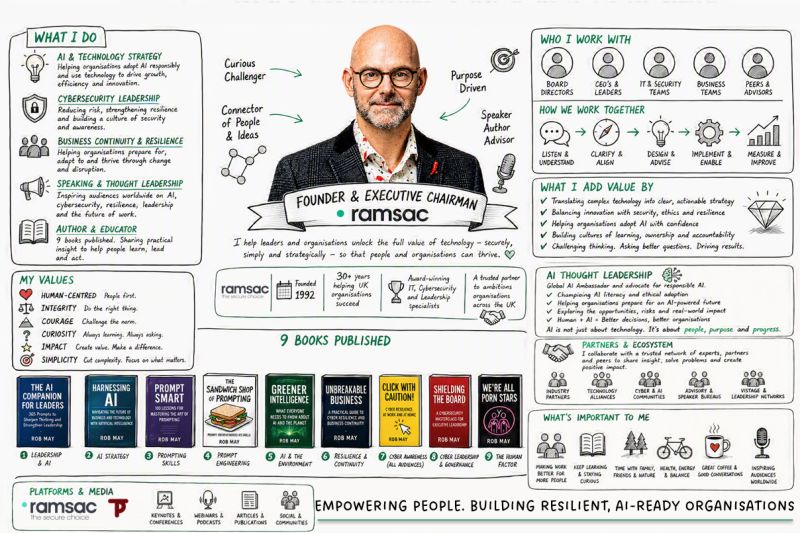
I love this whiteboard sketch which tells you a bit more about me and what I do. It was generated very quickly and simply using this great prompt in Copilot.
It's a WorkIQ Persona Sketch prompt which is designed to help you better understand and visualise your work. It helps you build a practical persona sketch from your recent work patterns so you can understand how you spend time, collaborate, and where your focus is strongest.
"Create a photorealistic image in a clean cartoon whiteboard sketch style that visualises my work life. Include what I do, who I work with, my role, my values and what's important to me. I've attached a headshot so you can guide the sketch of me at the centre. Ground your research in Work IQ and the public profile for me on LinkedIn. The graphic should be rich in information. For any avatars of the people I work with, avoid guessing and put a generic icon in place or find their actual profile pictures."
Give it a go and let me know if you agree with the output.
Frequently asked questions
What is a WorkIQ Persona Sketch prompt?
A WorkIQ Persona Sketch prompt is an AI instruction designed to help you visualise and better understand your work life. By using your recent work patterns, it builds a practical persona sketch showing how you spend your time, who you collaborate with, and where your main focus lies, presenting this information clearly in a whiteboard sketch format.
Which AI tool can you use to create a whiteboard sketch of your work life?
You can create a whiteboard sketch of your work life by using numerous different AI tools, this example used Copilot. By providing Copilot with a specific WorkIQ Persona Sketch prompt along with an attached headshot, the AI researches your background using Work IQ and your public LinkedIn profile to quickly generate an information rich graphic.
What information does the AI whiteboard sketch include?
The generated whiteboard sketch visualises your overall work life. It highlights what you do, your specific role, who you work with, your core values, and what is important to you. The graphic features a central sketch based on your headshot, surrounded by rich information about your habits and workplace collaboration patterns.
How does the AI handle images of colleagues in the whiteboard sketch?
When depicting colleagues, the AI prompt instructs the tool to avoid guessing what people look like. Instead of making assumptions, the prompt asks Copilot to use either a generic icon for any avatars or locate their actual public profile pictures, ensuring the final whiteboard graphic remains accurate and grounded in real data.
Where does the AI find the data to generate your persona sketch?
To generate an accurate persona sketch, the AI grounds its research in Work IQ and your public LinkedIn profile, combined with your recent work patterns. It also uses an attached headshot to accurately guide the central drawing of you, ensuring the resulting visual graphic is both personal and information rich.
You may also be interested in
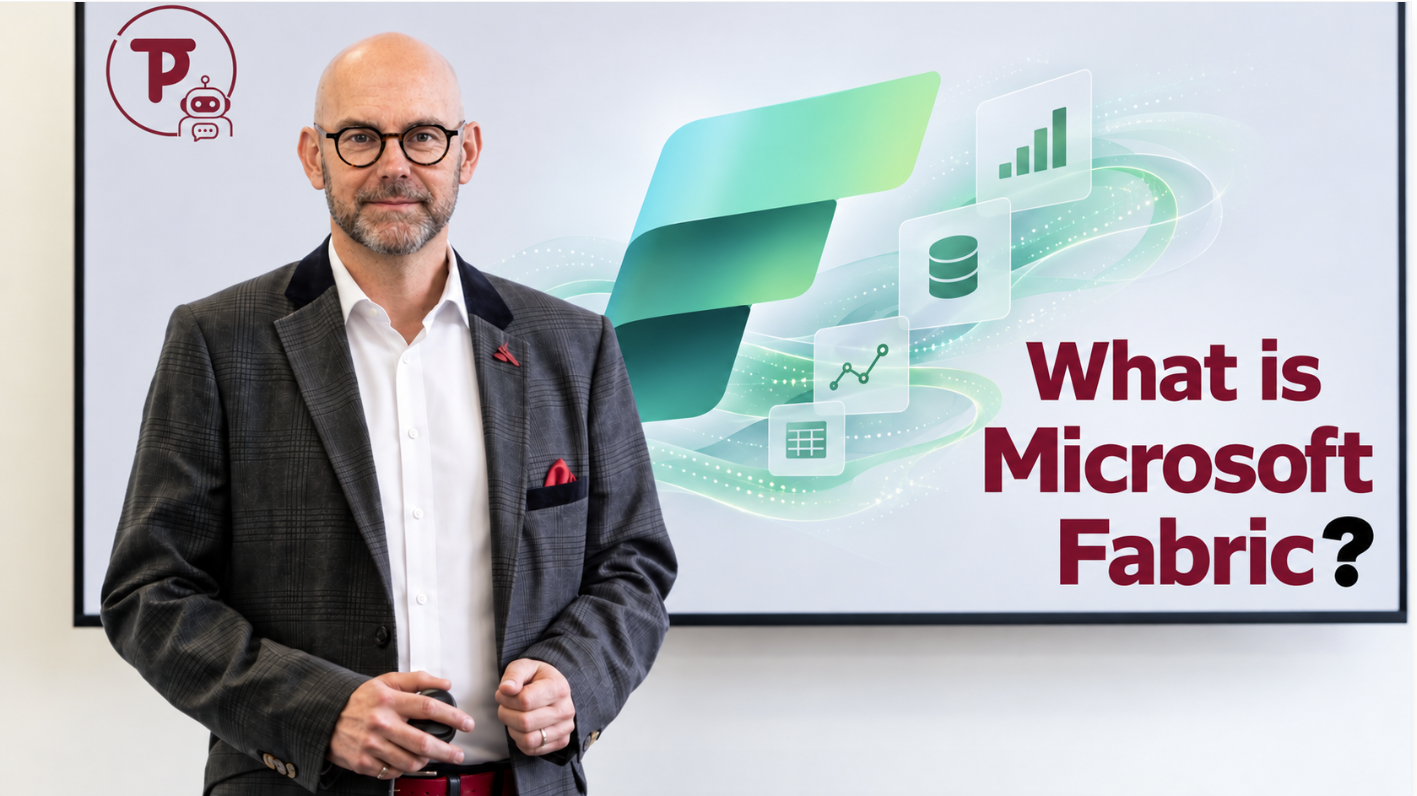
What Is Microsoft Fabric, and Why Does It Matter for AI?
What is Microsoft Fabric? A plain English guide to OneLake, Fabric IQ and why your data needs sorting before your AI agents can be useful.
Microsoft Scout and the Shift From Answering to Acting
Microsoft Scout is Microsoft’s first step from AI that answers to AI that acts. Here’s what its two gate admin model tells you about getting agentic AI right, and why governance needs to come before capability.
Never miss an article
Get new articles by email
Whenever I publish something new on AI, cybersecurity and cyber resilience, I'll send you a link. No newsletters, no selling, and one click to stop at any time.
Your address is used only to send you new articles. See the privacy notice.