
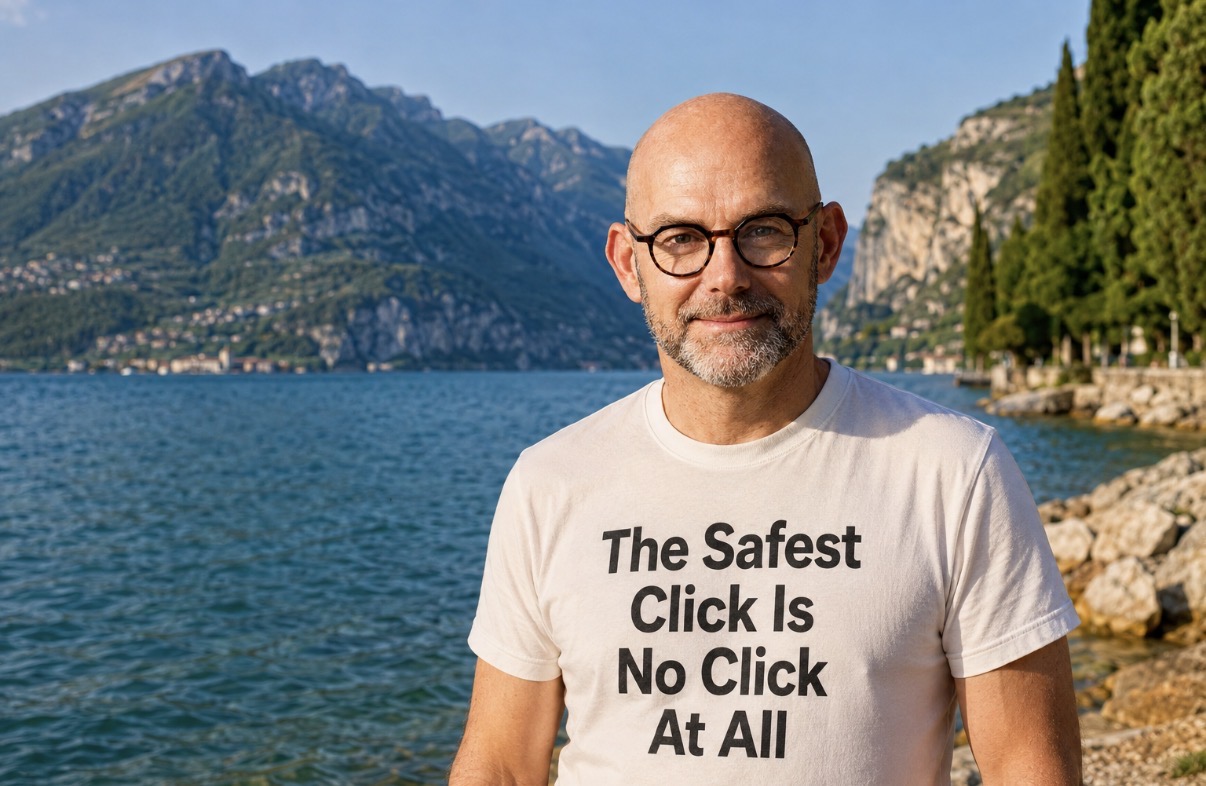
You know the email. “50% OFF!!!” “Congratulations!!!” “Last chance!!!” It lands in your inbox uninvited, and your instinct is to scroll straight to the bottom and hit unsubscribe. Job done, one less annoying email in your life.
Except if that email already looks suspicious, unsubscribing can be the worst thing you do.
A fake unsubscribe link can take you to a malicious website, trigger a harmful download, or simply confirm to whoever sent it that your email address is live and being read. To a scammer, that’s gold. It means there’s a real person on the other end, worth targeting again, and harder next time.
So here’s the rule that actually keeps you safe.
If you recognise the company and you genuinely signed up to hear from them, unsubscribe as normal. That’s what the button is for.
If you don’t recognise the sender, or something about the email feels off, don’t click anything inside it at all. Mark it as spam or phishing, block the sender, and delete it. No unsubscribe, no reply, no clicking through “to see what it is.”
Most people don’t realise that clicking unsubscribe on a scam email does two things at once. It confirms your inbox is active, and depending on how the email was built, that link itself might be the malicious part, not a hidden attachment somewhere else in the message.
Nothing bad happens to an email you never touch. Online, inaction is often the strongest defence you have. When you’re in doubt, the safest move isn’t to investigate, click, or engage. It’s to do nothing at all.
A few rules worth keeping close:
-
Your safest click might be no click at all.
-
When in doubt, report and delete.
-
If you didn’t subscribe, don’t unsubscribe.
None of this requires technical skill or specialist training. It just requires a pause before you click, and enough awareness to ask whether you actually know who sent this and why.
Cybersecurity habits like this one aren’t about being paranoid. They’re about building a small moment of friction into your day, just long enough to ask the right question before you act. So next time that tempting little unsubscribe link appears at the bottom of a dodgy email, ask yourself: do I actually know this sender, or am I about to do exactly what they’re hoping I will?
Frequently asked questions
Is it safe to click unsubscribe on every email?
No, it is not always safe. If you recognise the company and genuinely signed up, unsubscribing as normal is fine. However, clicking unsubscribe on an unrecognised or suspicious email can lead to a malicious website, trigger a harmful download, or confirm to scammers that your email address is active and actively monitored.
What happens when you click unsubscribe on a scam email?
Clicking unsubscribe on a scam email confirms to the sender that your inbox is live and being read, making you a target for further attacks. Additionally, the unsubscribe link itself might be malicious, potentially directing you to a harmful website or triggering an unsafe download without you needing to open an attachment.
What should you do if you receive a suspicious email?
If you receive an email from an unrecognised sender or if something feels wrong, you should avoid clicking any links inside it. Instead of unsubscribing, mark the message as spam or phishing, block the sender, and delete the email. Doing nothing inside the message is your safest line of defence.
How do scammers benefit if you interact with their email?
Scammers benefit because interacting with their email, even just by clicking unsubscribe, proves there is a real person on the other end. Knowing your inbox is active makes your address much more valuable to scammers, leading to further targeted phishing attempts that may be harder to spot in future.
Why is doing nothing considered a strong cybersecurity defence?
Doing nothing is effective because nothing bad can happen from an email you never touch or engage with. By pausing before you act, you create a moment of friction to evaluate whether you know the sender. Choosing not to investigate or click links prevents malicious code, downloads, or active status confirmations.
You may also be interested in
Five things every business should do before deploying an AI agent
Building AI agents and workflows? Here are five things every business should do before deploying, drawn from the world's first AI governance standard.

What does your post-AI operating model look like?
Every business leader agrees AI will change how they work. Almost none have redesigned their business model to account for it. That needs to change.
Never miss an article
Get new articles by email
Whenever I publish something new on AI, cybersecurity and cyber resilience, I'll send you a link. No newsletters, no selling, and one click to stop at any time.
Your address is used only to send you new articles. See the privacy notice.